Manablox
A downloadable game for Windows
🚧 Manablox
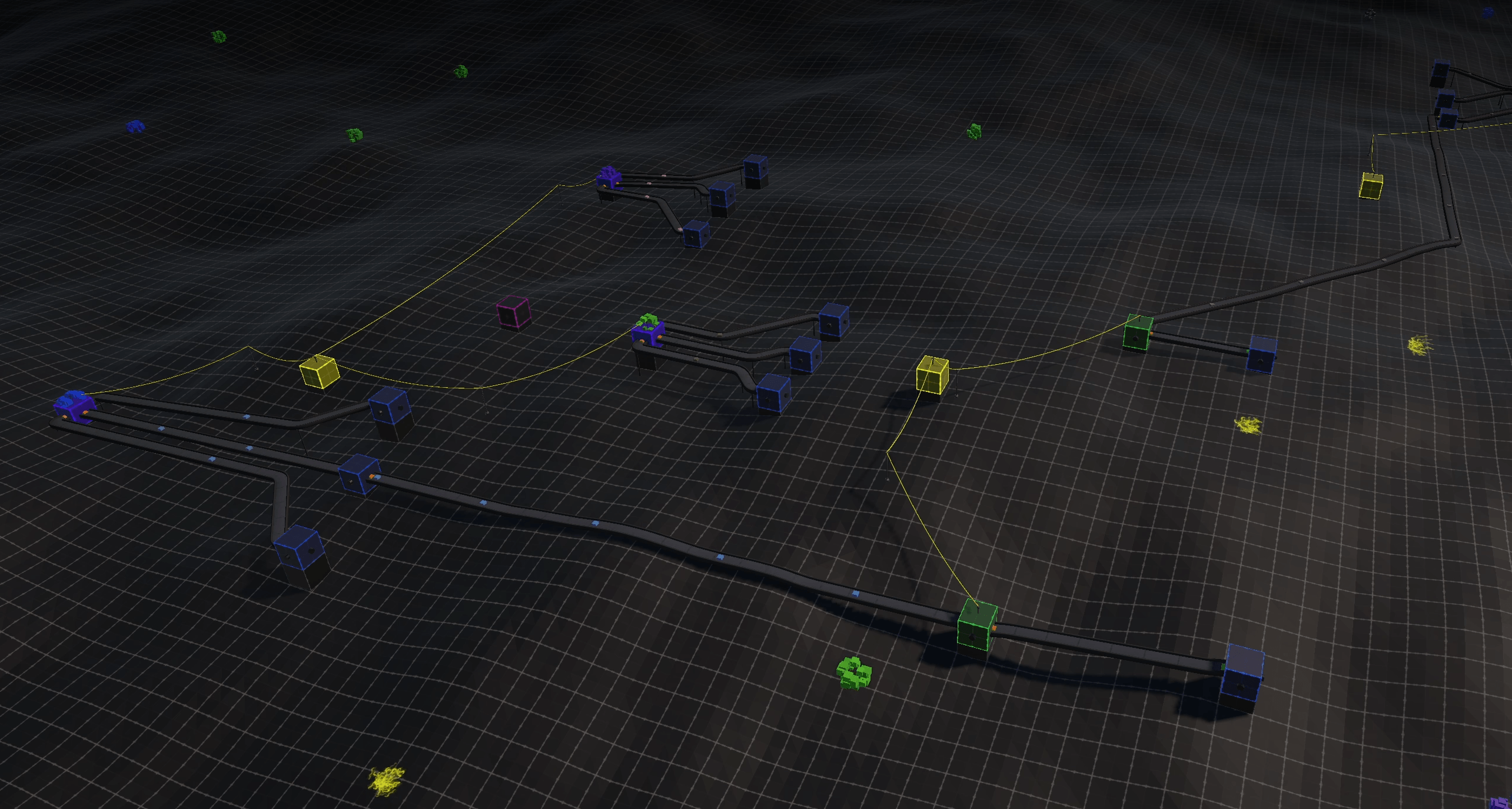
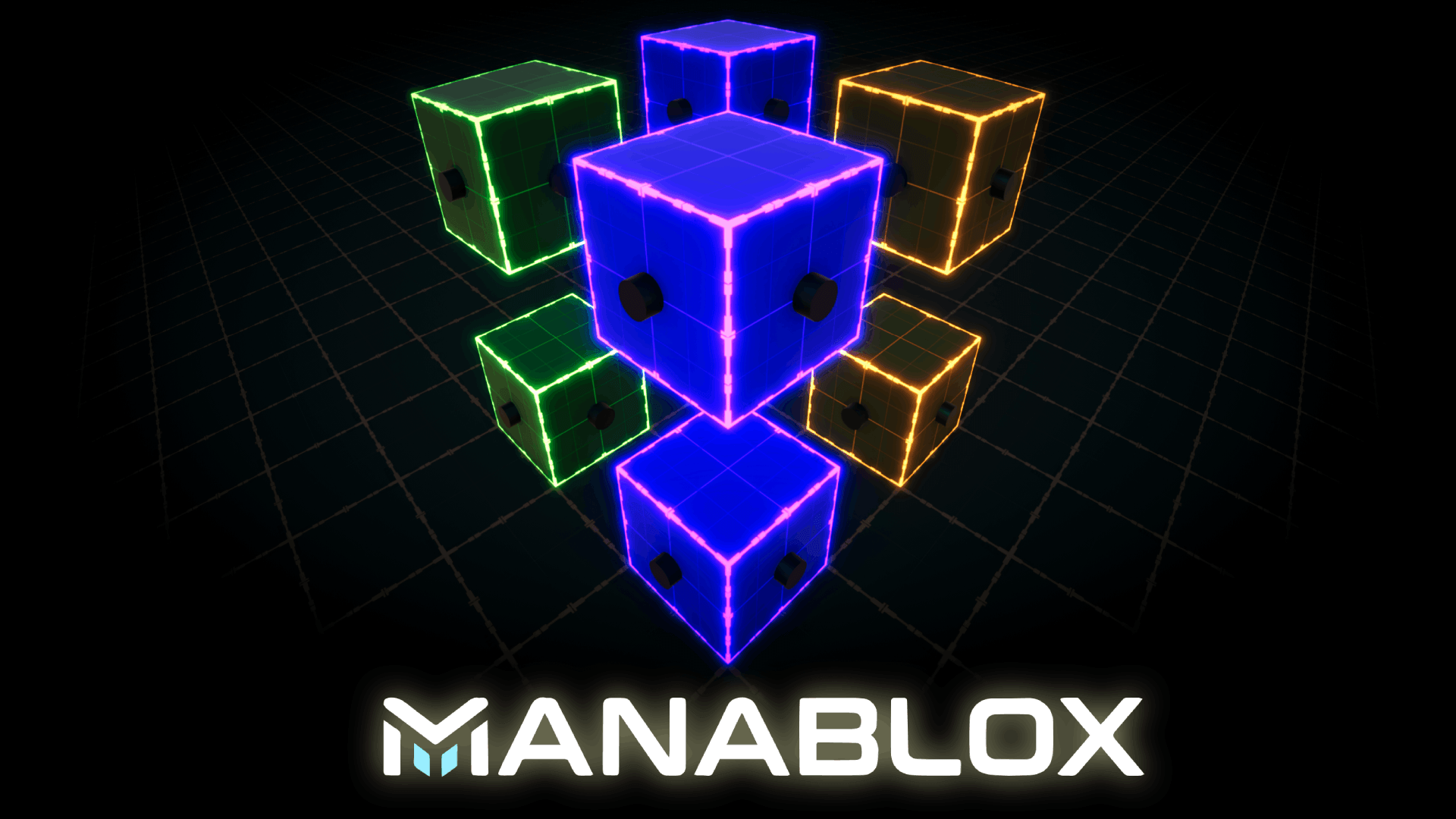
Manablox is a factory automation game with defense mechanics, where you build, optimize, and protect your production across multiple planets.
Start small with simple mining and storage, then grow into a complex network of interconnected systems. Extract resources, combine them into advanced materials, unlock new technologies, and defend your base against incoming threats.
Core Features
Modular Block System
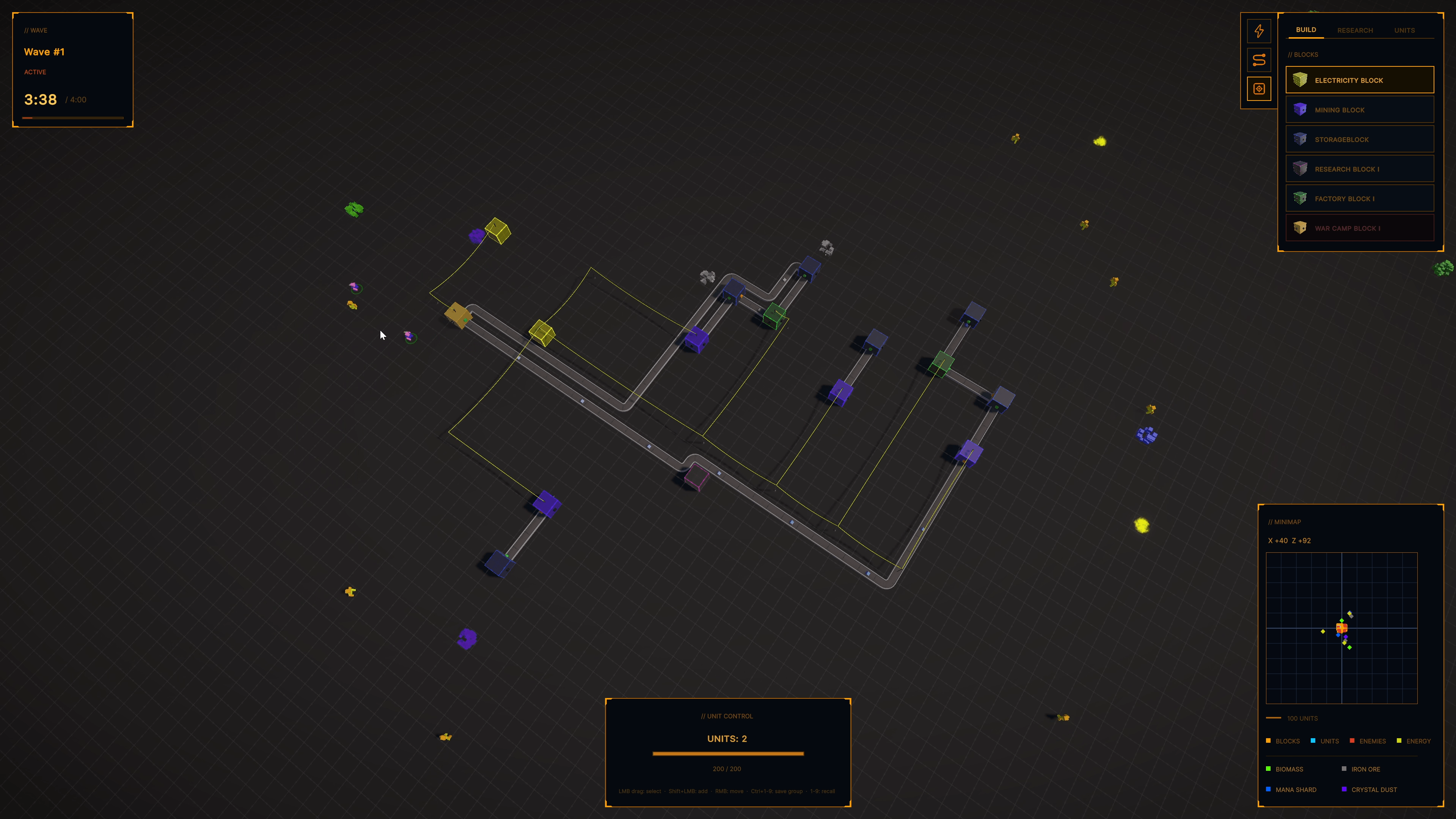
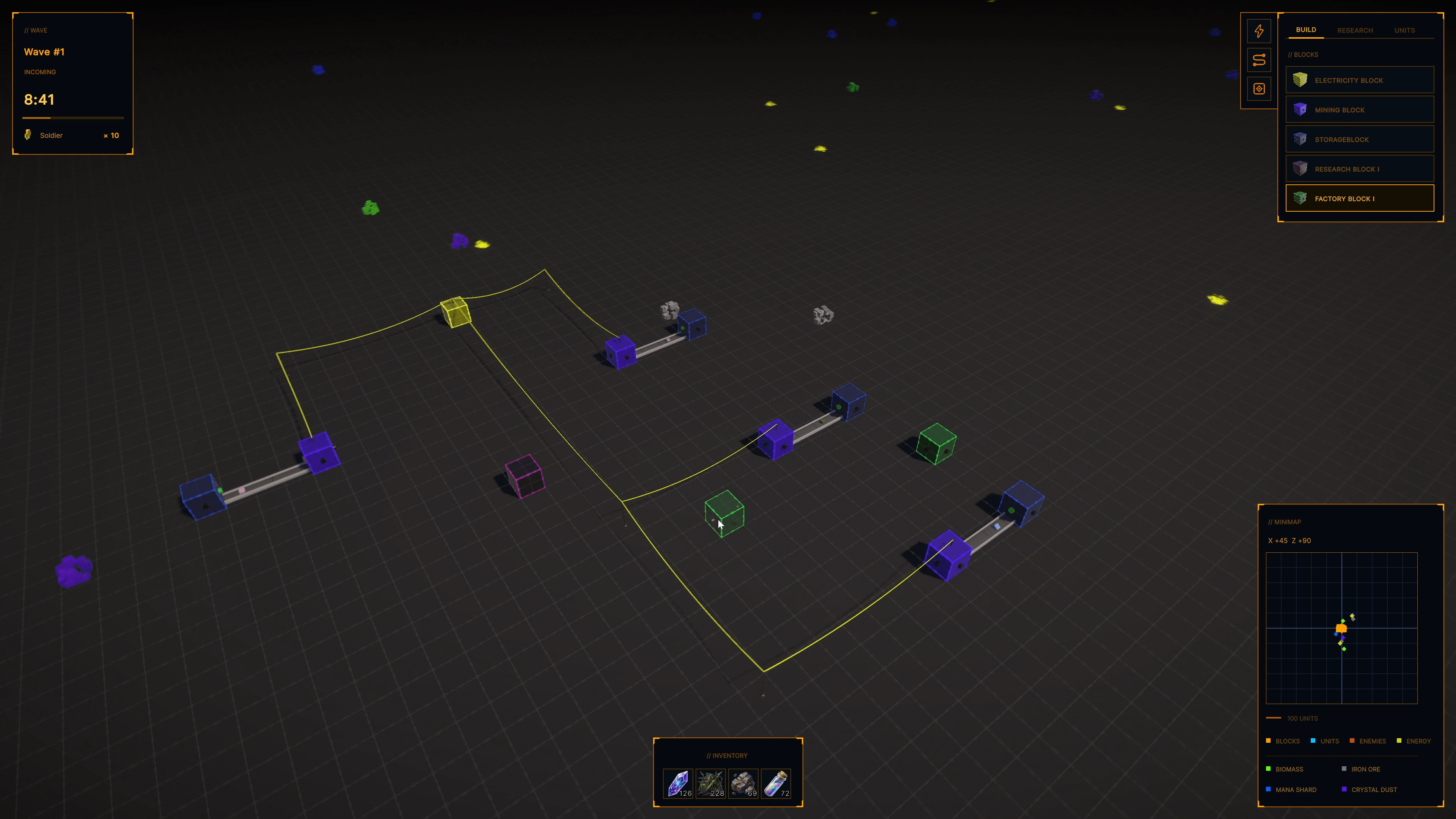
Build your factory using specialized blocks:
- Mining Blocks to extract resources
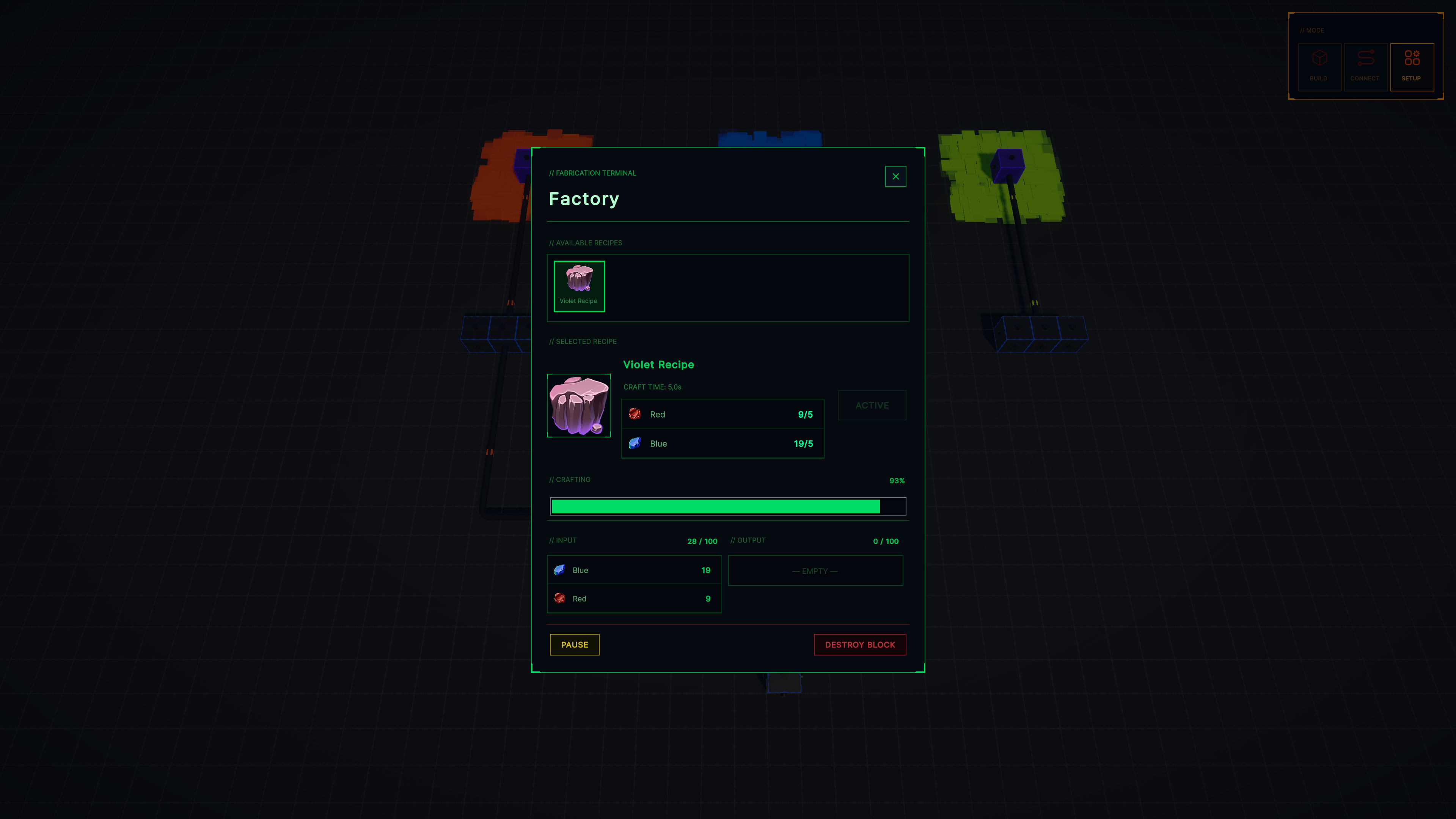
- Merge (Factory) Blocks to create new materials
- Research Blocks to unlock new technologies
- Shield Blocks to defend your base
Connected Automation
Link blocks together to create efficient production chains and scalable systems.
Research & Progression
Unlock new block types and expand your capabilities through research.
Defense Mechanics
Protect your factory with shields and strategic layouts as new challenges emerge.
Multiple Planets
Explore different planets, each offering unique resources and new opportunities for optimization.
Gameplay Loop
- Mine resources
- Store and route them efficiently
- Process them into advanced materials
- Research new technologies
- Expand and defend your base
- Move to new planets and repeat at a larger scale
Development Status
Manablox is currently in active development. Features, visuals, and gameplay systems are evolving, and your feedback can directly shape the game.
Get Involved
Follow the development, share feedback, and be part of the journey as Manablox grows from prototype to full experience.
👉 Build smarter. Defend stronger. Expand further.
Youtube Dev Channel: https://www.youtube.com/@Manablox-Game
Discord Dev Server: https://discord.gg/bw4zgWA723
Support me on Patreon: https://www.patreon.com/cw/daspete
Controls
Global
- Switch Game Mode: TAB
- Zoom Camera: Mousewheel
- Rotate Camera: Hold middle mouse button and drag
- Move Camera: WSAD or hold right mouse button and drag
- Build Mode: B
- Connect Mode: C
- Management Mode: M
- Network Mode: N
In Build Mode
- Select active block: Q and E sets the next or previous block
- Build Block: left mouse button
In Connect Mode and Energy Mode
- Create Connection: Left mouse button on a connector of a block
- Change Connection direction: Left mouse button on the ground
- Finish Connection: Left mouse button on a connector of a block
- Cancel Connection: Escape key
In Manage Mode
- Select a block or connection: Left mouse button
Download
Click download now to get access to the following files:
Development log
- 🚧 Devlog #11 – Rethinking the World64 days ago
- 🚧 Devlog #10 – Breaking the Grid79 days ago
- 🚧 Devlog #9 - From Flat Prototype to Living World83 days ago
- 🚧 Devlog #8 – Expanding Everything86 days ago
- 🚧 Devlog #7 – From Factory Builder to Battlefield90 days ago
- 🚧 Devlog #6 – Lifting Things Up (and Making It Feel Better)93 days ago
- 🚧 Devlog #5 – Defense, Danger, and a Living World95 days ago
- 🚧 Devlog #4 – Breaking Things Apart (and Powering Them Up)96 days ago